WiFi splash page builder
for branded captive portals
Design a beautiful, branded WiFi splash page in minutes — no code required. Pick a template, add your logo and colors, choose your form fields, and start capturing guest emails the moment they connect.
$15/mo per access point · Free setup · Cancel anytime
The editor
Pick a template, add your branding, decide what info to collect. Live preview as you edit.
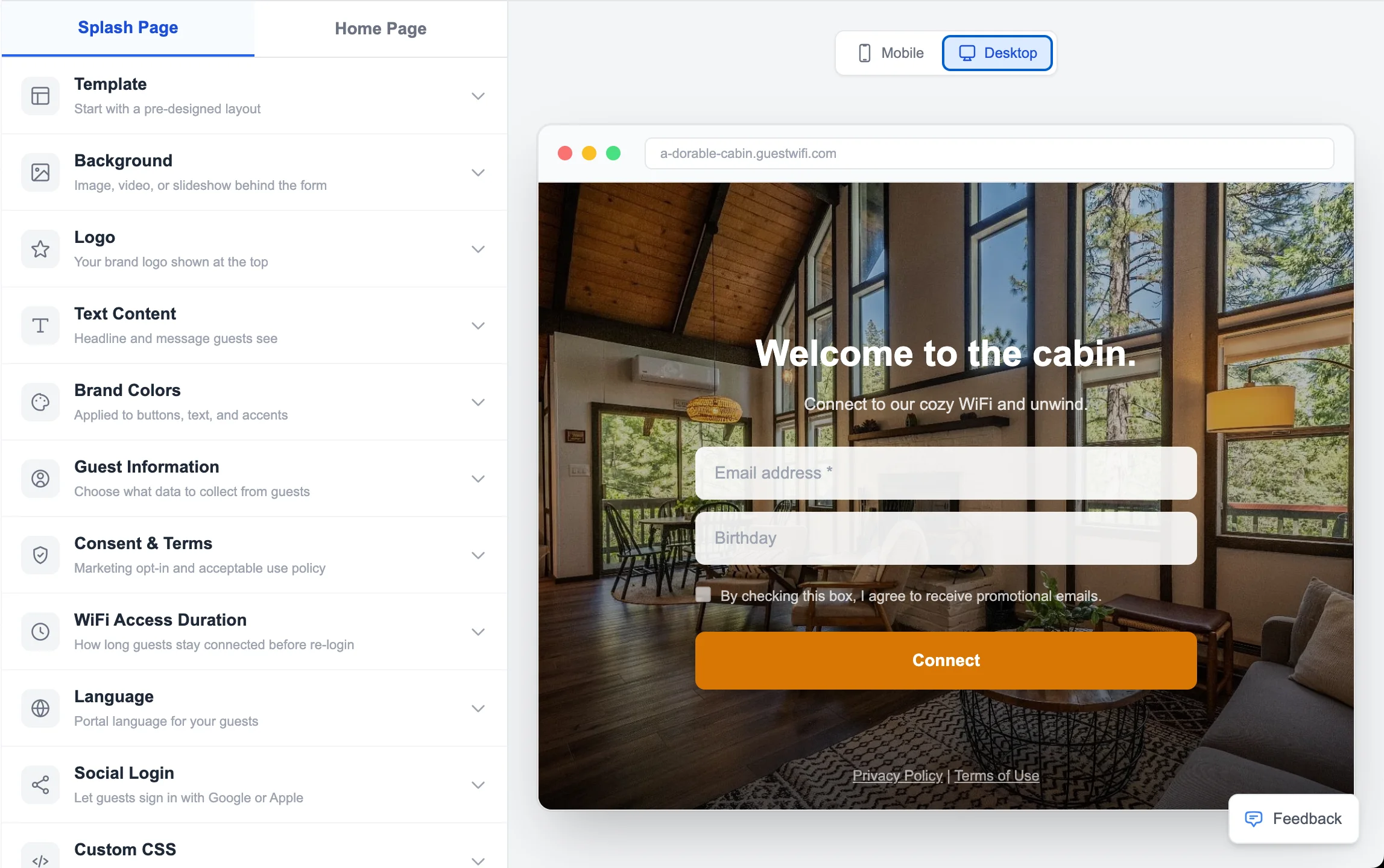
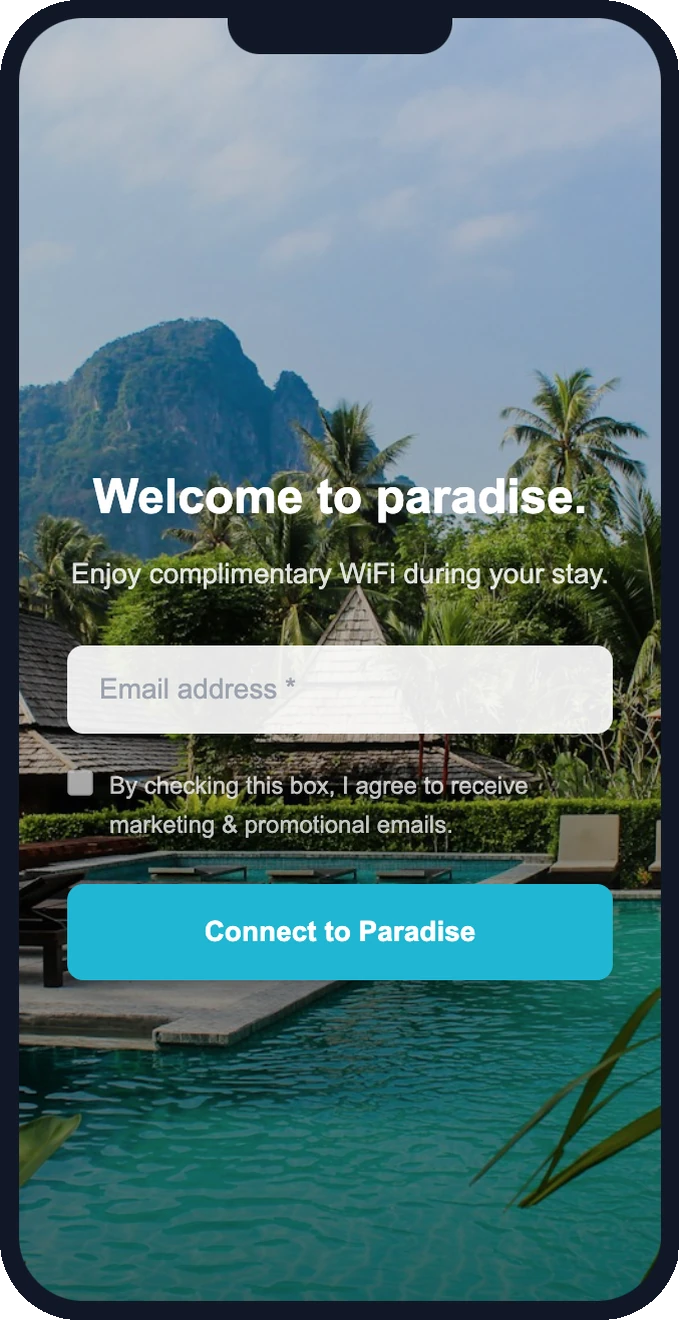
What your guests see
This is the branded splash page your guests get when they connect to WiFi.
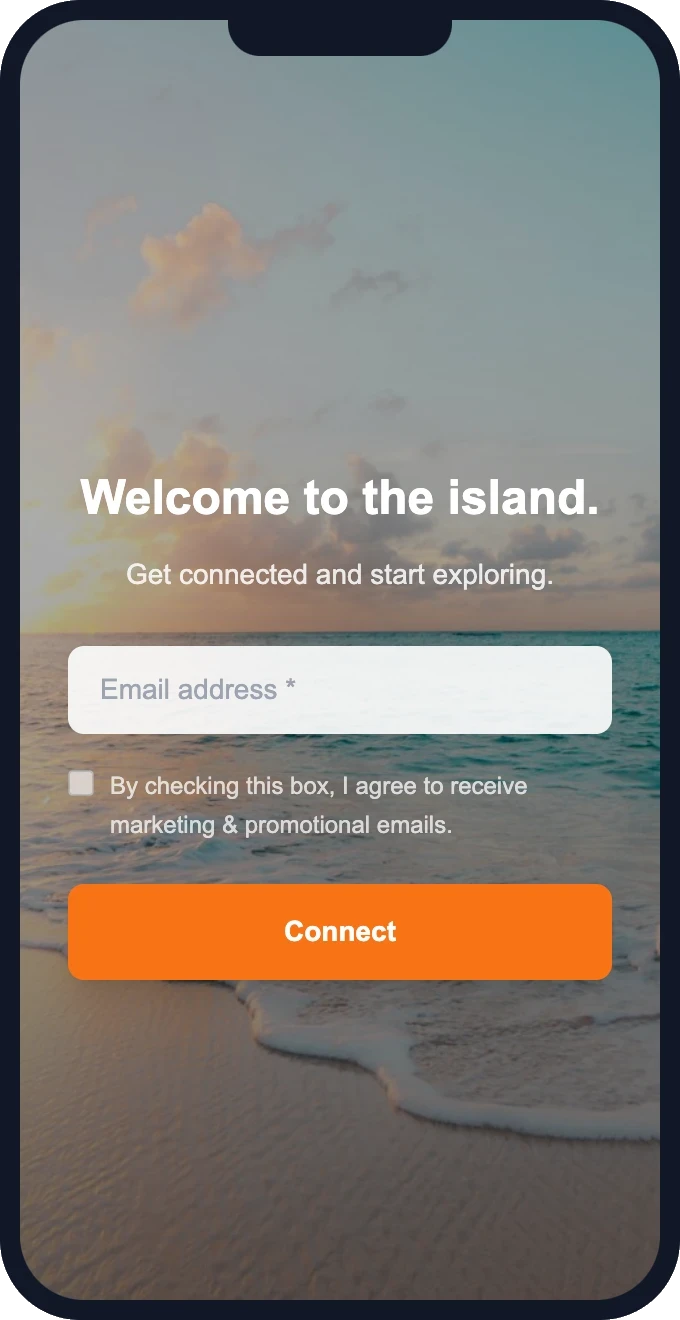
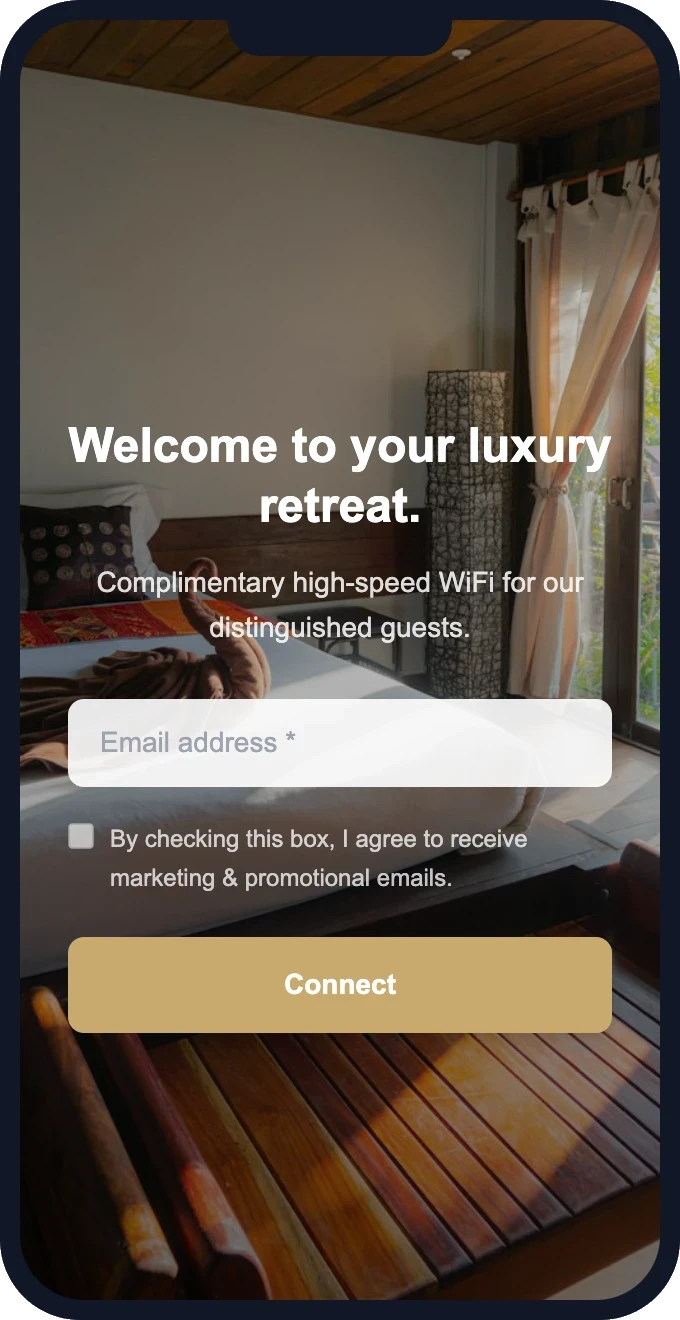
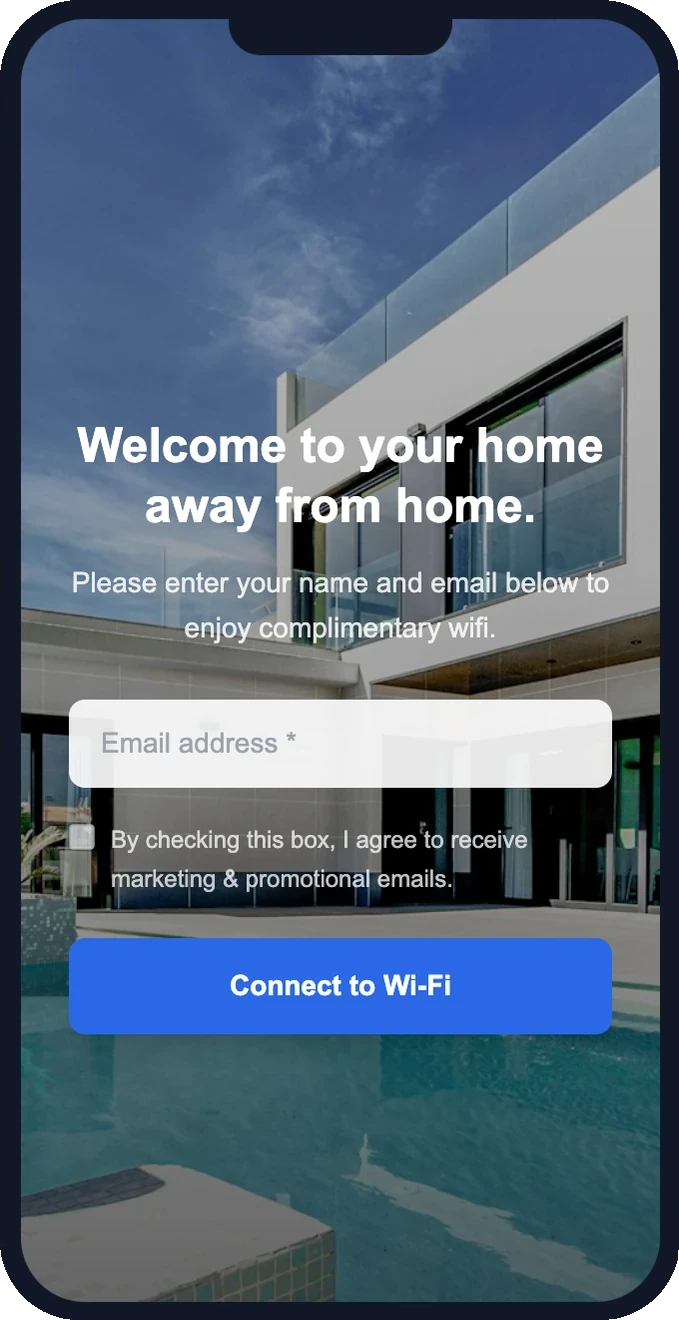
Free setup · Pick a template and customize in minutes
A splash page builder made for capture
Everything you need to brand your WiFi and grow your email list
Drag-and-drop editor
Arrange your logo, headline, image, and form fields visually. No code, no design skills needed.
12 hospitality templates
Start from professionally designed templates — modern, luxury, rustic, tropical, urban, and minimal.
Full brand control
Custom colors, logo, background image or slideshow, button text, and consent language — all yours.
Configurable form fields
Collect email, name, phone, or birthday. Mark fields required or optional and set your consent checkbox.
Multi-language
Auto-detect the guest's device language and show your splash page in their native tongue.
Custom HomePage
Pair your splash page with a post-connection HomePage — property info, menus, offers, and social links.
From blank canvas to live splash page
Pick a template
Step 1Choose from 12 hospitality-focused designs, or start from a blank canvas.
Add your branding
Step 2Drop in your logo, set colors and a background, and write your welcome message.
Choose your fields
Step 3Decide what to collect — email, name, phone — and set your marketing-consent checkbox.
Publish and connect
Step 4Point your router to our captive portal. Your splash page is live for every guest.
Splash page questions
Straight answers. If something isn't covered here, just ask.
What is a WiFi splash page?
How do I build a WiFi splash page?
Can I customize the splash page to match my brand?
Do splash page visitors have to download an app?
Does the splash page builder work with my router?
Can I show my splash page in more than one language?
Turn one-time guests into repeat direct bookings
Most hosts never see their guests again. Every OTA stay should become your next direct booking — your website accepts commission-free reservations, your WiFi keeps your brand in front of guests long after checkout.
Guest books on Airbnb
You pay the OTA commission
Stays at your property
Their only visit — for now
Connects to your WiFi
Branded splash page
Email captured
Added to your guest CRM
Automated follow-up
Offers & seasonal discounts
Books directly next trip
Zero OTA commission
Direct Booking Website
Accept commission-free reservations from day one. Your own branded site with payments, calendar sync, and automated check-in — live in 15 minutes.
- Branded booking website with custom domain
- Stripe payments — zero booking fees
- Calendar sync with Airbnb & VRBO
- Pre-signed rental agreements & waivers
Guest WiFi Marketing
Stop letting guests disappear after checkout. Capture their email when they log on to WiFi, then automatically invite them back to book direct next time.
- Branded WiFi splash page & guest email capture
- Automated rebooking campaigns & seasonal offers
- Repeat-guest discounts to win the direct booking
- Guest CRM across all your properties — any router
One repeat booking often pays for your subscription many times over — there's no OTA commission the second time around. Bundle subscribers save 30% on Guest WiFi Marketing.
Build your branded WiFi splash page.
Drag-and-drop builder, hospitality templates, and built-in email capture — live in minutes.
No credit card required · Cancel anytime