Sell extras to every guest
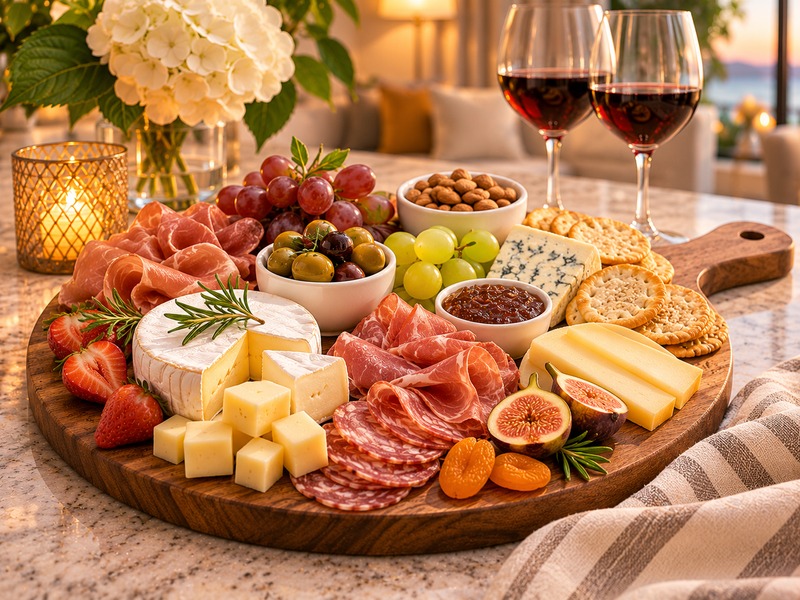
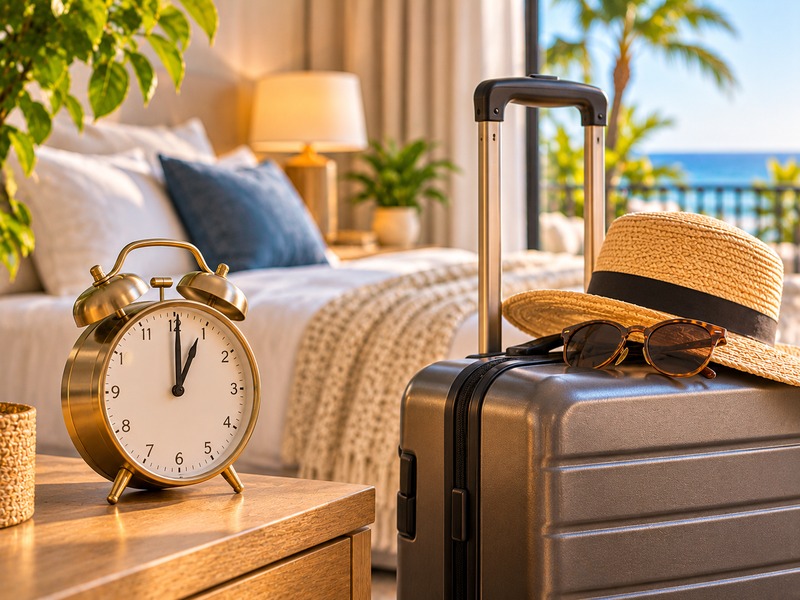
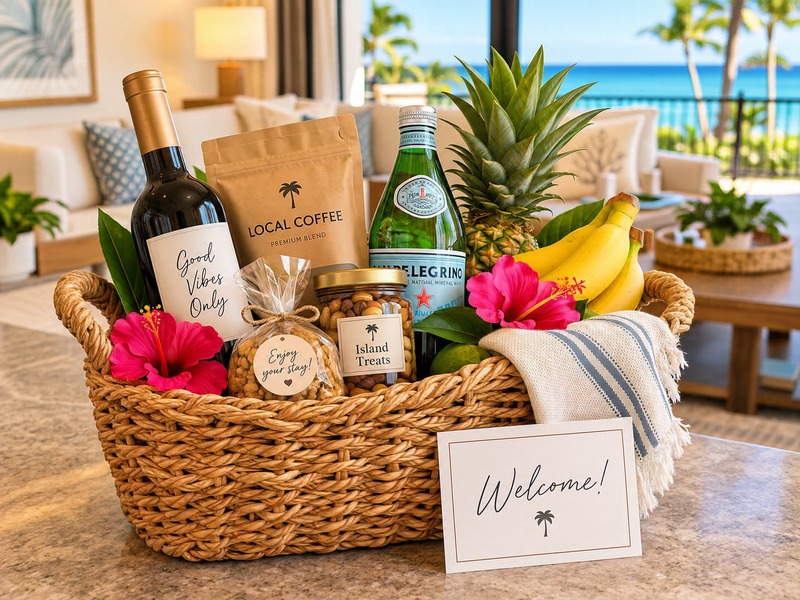
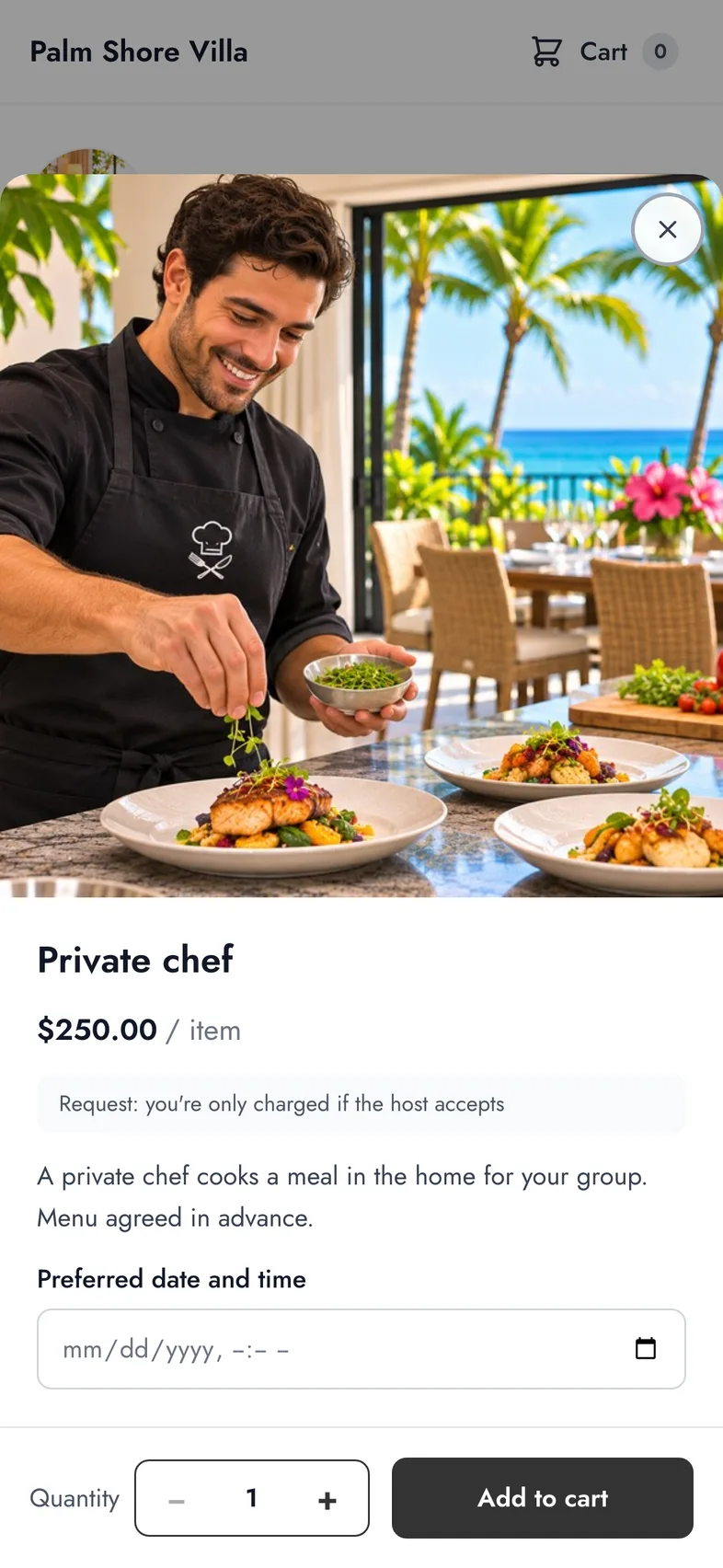
Early check-in, late check-out, welcome baskets, a private chef. Open a store for your rental in minutes and let guests add extras while they book, on your website, or from a link in your guidebook. Every order is paid straight to your Stripe.
26 ready-made items to start · No card required
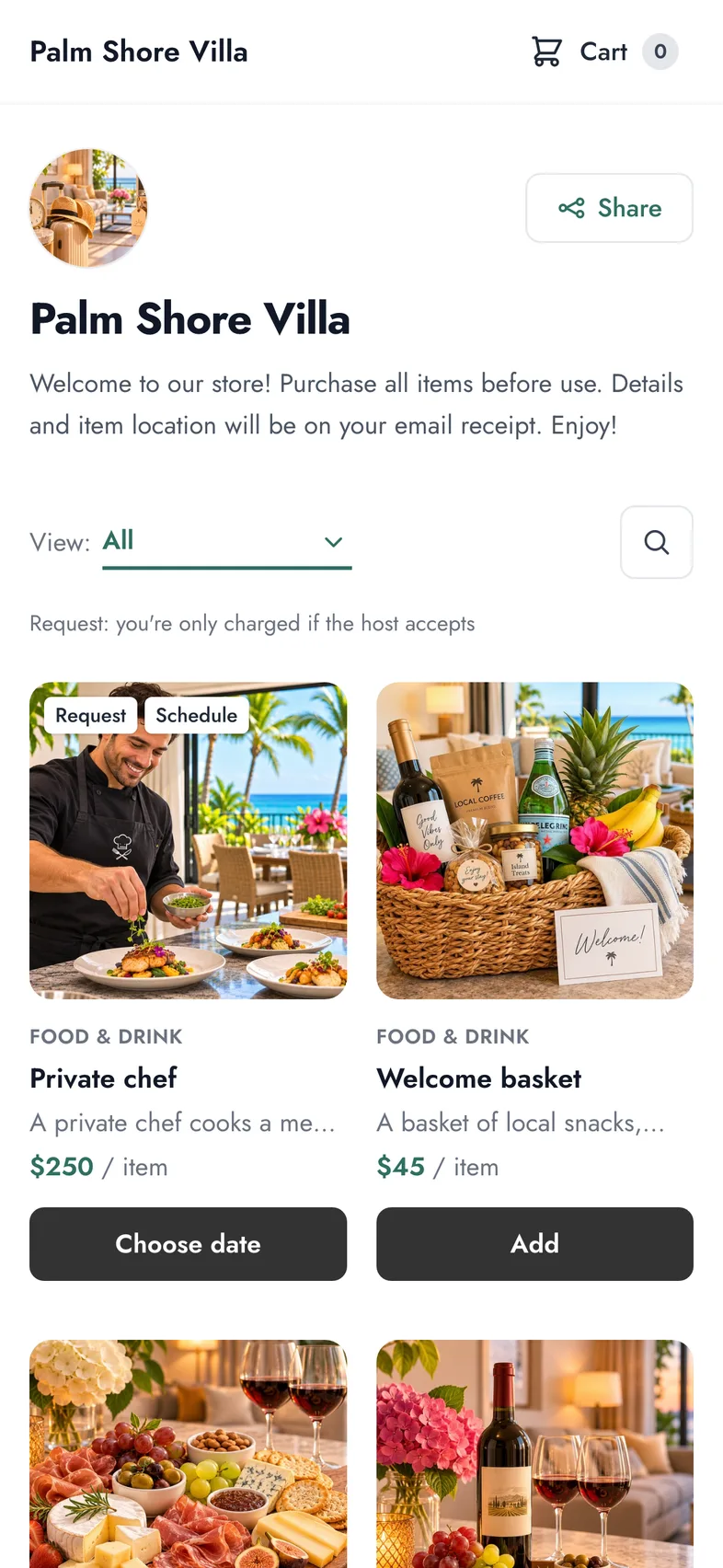
One store, three ways to sell
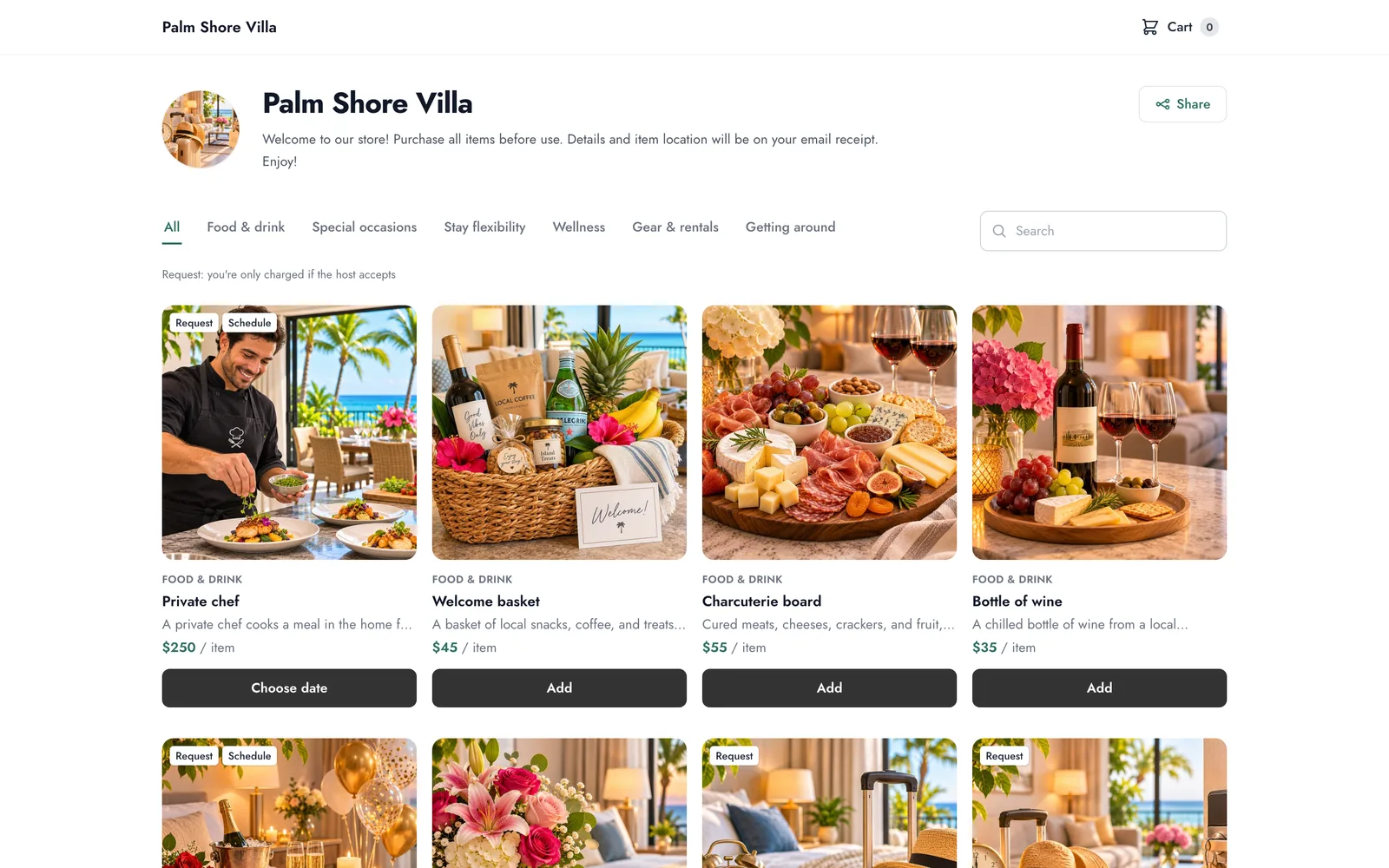
Set up your items once. They show up wherever your guests are: when they book, when they browse your website, and when they read your guidebook.
Add-ons while guests book
Guests see your extras right on the payment page of your DirectBookings website, the moment they are most excited about the trip.
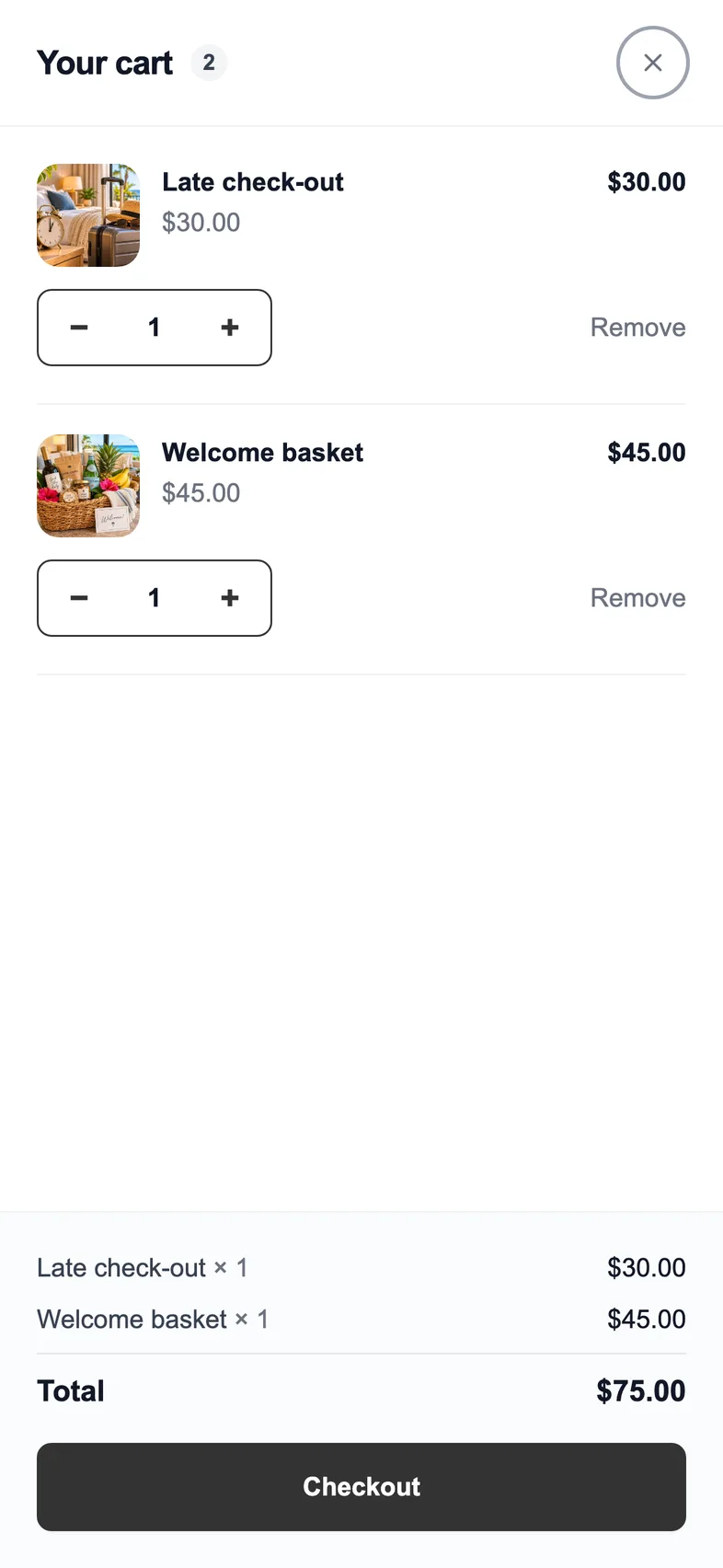
- Instant extras are paid together with the booking, in one payment.
- Request items are held and only charged once you accept.
- No store fee on extras sold at checkout, ever.
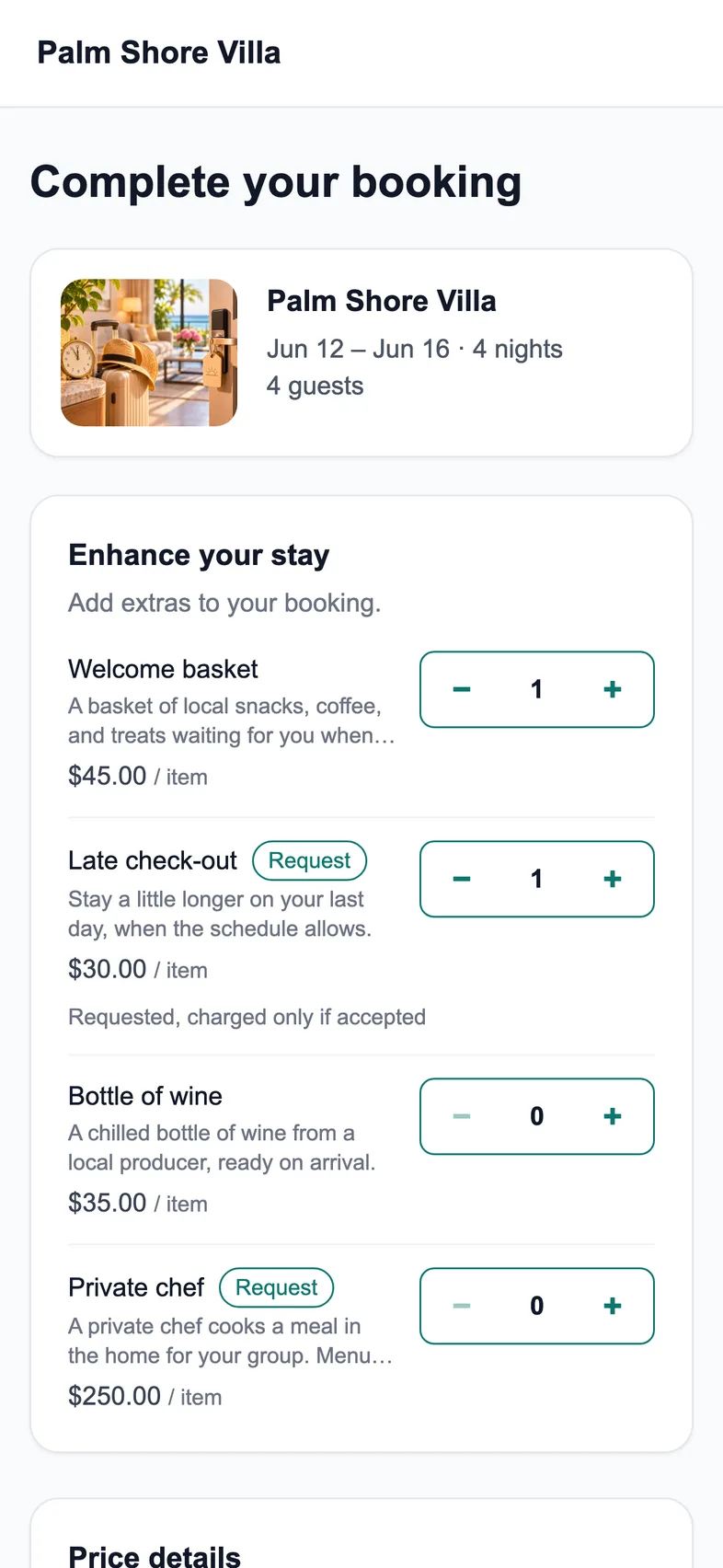
An Extras page in your site menu
Turn on the Extras page and it appears in your booking website's menu, in your site's colors and fonts. Guests can shop before or after they book.
- Pick which items to show and write your own heading and intro.
- Guests with several properties to choose from pick theirs first.
- A short, mobile-friendly checkout with a receipt by email.
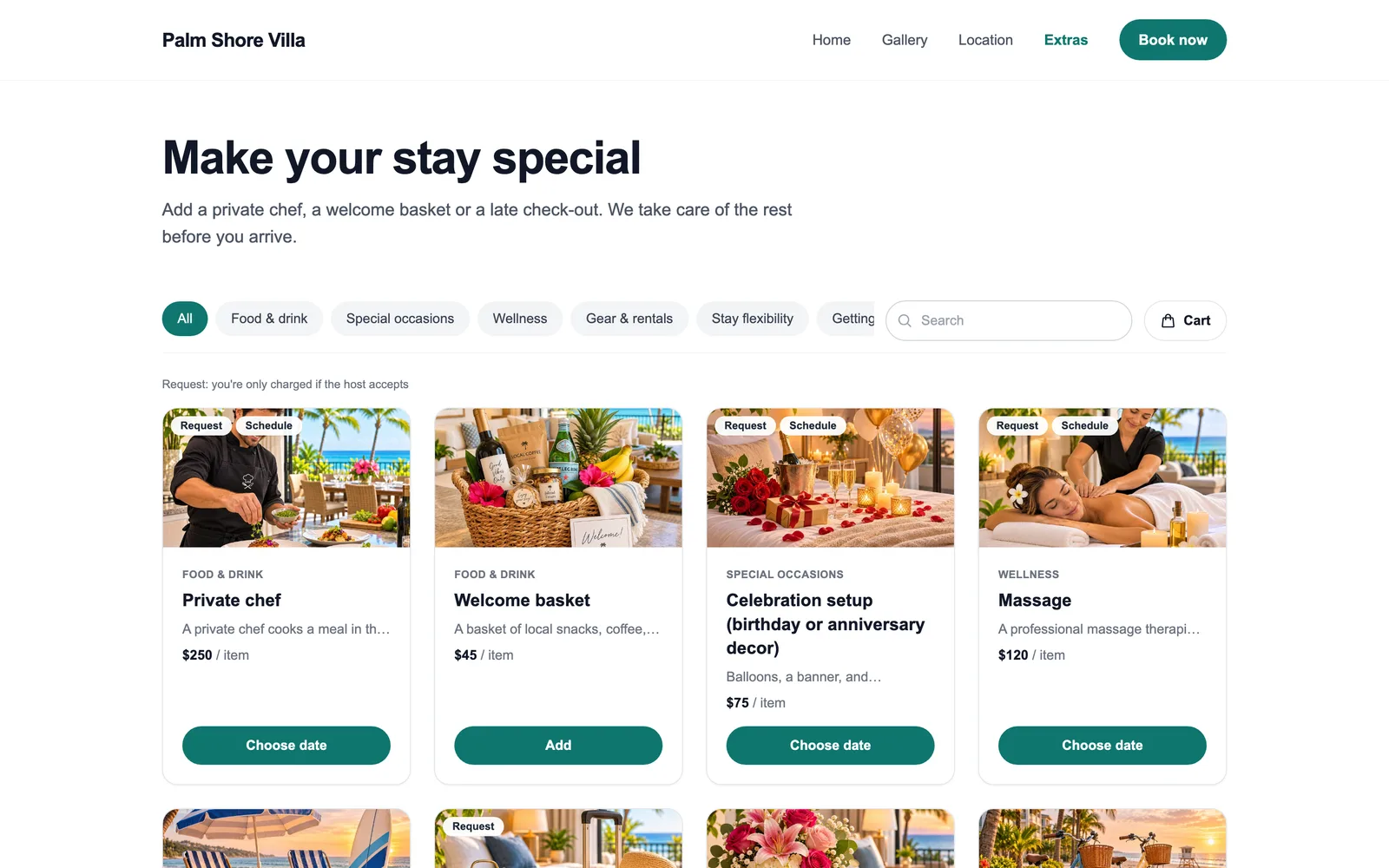
A link and QR code for your store
Your store has its own page, so it works with or without a booking website. Share the link wherever guests already look, or print the QR code for the welcome book.
- Each property gets its own link showing only its items.
- Download the QR code as PNG or SVG for print.
- Works for Airbnb, Vrbo and direct guests alike.
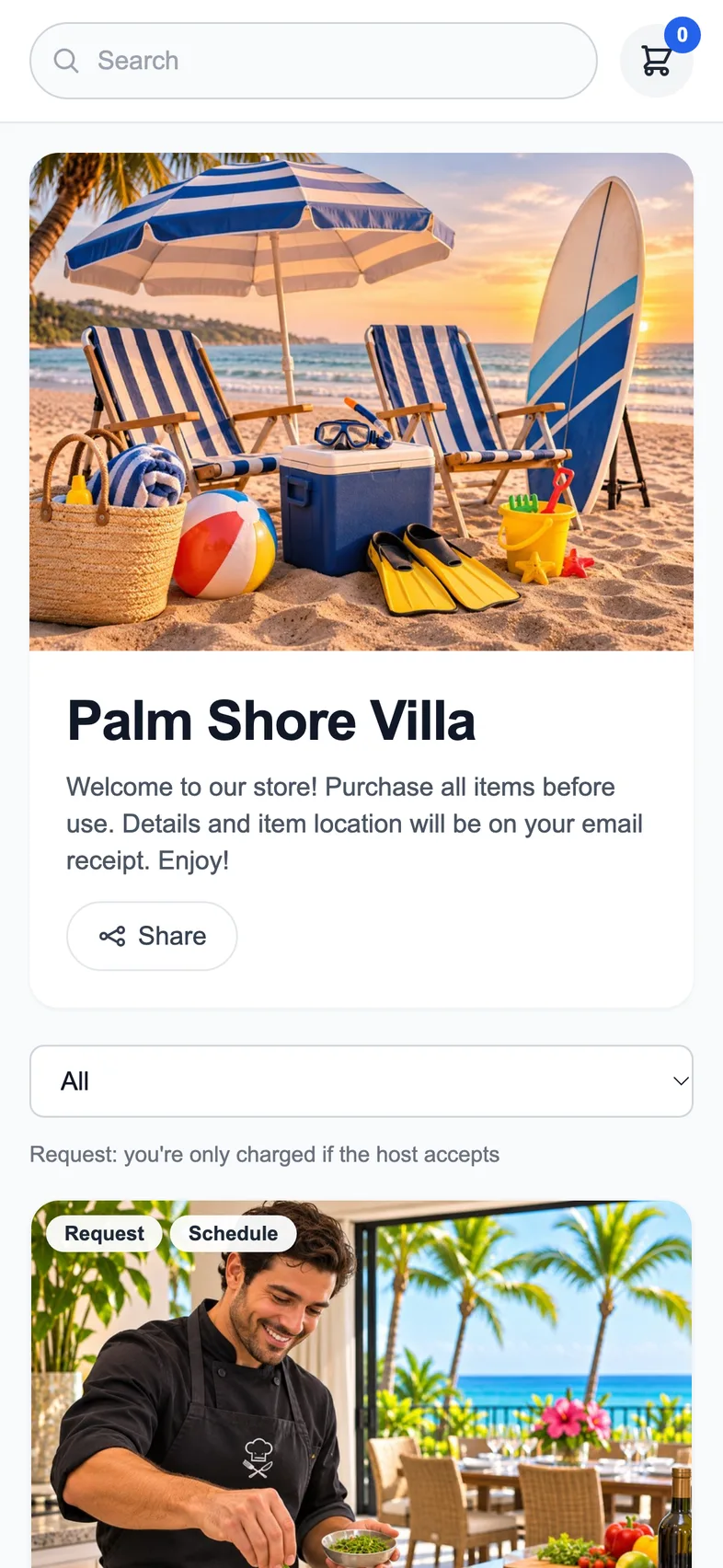

Sell anything your guests need
Start from 26 ready-made items with photos and descriptions, or create your own. Every item works the way it should for that kind of extra.
Pay and done
Welcome baskets, firewood, beach gear. The guest pays at once and you get the order with their details.
You approve first
Late check-out, early check-in, a private chef. The card is held and only charged if you accept.
Guest picks a time
Massages, celebration setups, airport transfers. The guest chooses a preferred date and time at checkout.
Partner services
Point to a local tour, restaurant or rental shop's own booking page, right from your store.
Your items, your prices, your rules
Change the name, photo, description and price of anything you sell. Starter items are only a head start.
- Price per item, guest, night, day or stay
- A different price per property
- Quantity limits, like one per order
- Your own categories and order
- Ask for a preferred date and time
- Hide an item without deleting it
You stay in control
Nothing gets sold that you can't deliver, and every order is easy to find, answer and refund.
Approve from your inbox
Each request arrives by email with Accept and Decline buttons. No app to open, no login needed.
Paid to your Stripe
Every order goes straight to your connected Stripe account. You can pass card fees on to guests if you like.
Refunds in a click
Refund a whole order, single items, or a custom amount, straight back to the guest's card.
Taxes and your terms
Add the taxes you collect and choose which items they apply to. Start your terms of sale from our template.
Sales analytics
Revenue, best-selling items and categories, store visits, refunds and fees. Export to CSV any time.
Instructions after purchase
Add a note to any item, like where the bikes are kept. The guest gets it in their receipt.
Looks like your brand
Choose a look, pick a color scheme or your own colors, and add your logo and a cover photo. A live preview shows every change before guests see it.
Boutique
Calm and editorial, with large photos and quiet typography.
App
Bright and familiar, like the delivery apps guests already use.
Pricing
Free with any DirectBookings product. On its own, you only pay when you sell.
With DirectBookings
You use Booking Website, Guest WiFi or Guest Email Marketing
0% store fee
Included with any active plan or free trial.
Store on its own
You only want the store
No monthly fee
Add any DirectBookings product and the fee drops to 0%.
Extras sold at booking checkout never carry a store fee · Stripe's standard card fees apply to all payments
Things hosts often ask us.
Straight answers. If something isn't covered here, just ask.
What is the Guest Store?
What are Airbnb upsells?
Is it allowed to sell extras to Airbnb guests?
How do I charge for early check-in or late check-out?
Can I add my store to my digital guidebook or house manual?
Do guests need an app or an account?
Which languages and currencies are supported?
How much does it cost?
Where does the money go?
What does 'Request' mean on an item?
Do I need a booking website to use it?
Can I have different items or prices for each property?
Can I give refunds?
Turn one-time guests into repeat direct bookings
Most hosts never see their guests again. Every OTA stay should become your next direct booking — your website accepts commission-free reservations, your WiFi keeps your brand in front of guests long after checkout.
Guest books on Airbnb
You pay the OTA commission
Stays at your property
Their only visit — for now
Connects to your WiFi
Branded splash page
Email captured
Added to your guest CRM
Automated follow-up
Offers & seasonal discounts
Books directly next trip
Zero OTA commission
Direct Booking Website
Accept commission-free reservations from day one. Your own branded site with payments, calendar sync, and automated check-in — live in 15 minutes.
- Branded booking website with custom domain
- Stripe payments — zero booking fees
- Calendar sync with Airbnb & VRBO
- Pre-signed rental agreements & waivers
Guest WiFi Marketing
Stop letting guests disappear after checkout. Capture their email when they log on to WiFi, then automatically invite them back to book direct next time.
- Branded WiFi splash page & guest email capture
- Automated rebooking campaigns & seasonal offers
- Repeat-guest discounts to win the direct booking
- Guest CRM across all your properties — any router
One repeat booking often pays for your subscription many times over — there's no OTA commission the second time around. Bundle subscribers save 30% on Guest WiFi Marketing.
Open your guest store today.
Start with 26 ready-made extras, set your prices, and share your link.
Free with any DirectBookings product · No card required