Get your Airbnb guest's real email
Airbnb hides your guest's real email behind an anonymized alias that expires after checkout. Here's the legitimate way to collect their actual email during the stay — and turn one-time guests into repeat direct bookings, commission-free.
$15/mo per access point · Free setup · Cancel anytime
What doesn't work
Common approaches that are risky, low-yield, or against the rules
Asking in the Airbnb chat
Against Airbnb policy and the alias email dies after checkout. Risk of warnings or suspension.
A paper guestbook
Low completion, messy handwriting, no consent record, and you have to type it all in manually.
A QR code on the fridge
Most guests ignore it. No incentive to scan, so capture rates stay in the single digits.
The legal way: guest WiFi capture
Collect a real, deliverable email from nearly every guest — with their consent — through the WiFi they already want.
Set up a guest WiFi splash page
Step 1Point your existing router or access point to our captive portal. Works with a standard access point and any router — and we set it up for you, free.
Brand it and decide what to collect
Step 2Add your logo and welcome message, and decide exactly what info to collect — just an email, or name and phone too. Ask for only what you need to keep completion high.
Guests connect and share their email
Step 3When a guest joins your WiFi, they enter their name and real email to get online. Consent is recorded automatically.
Turn them into direct bookings
Step 4Run automated re-booking campaigns with a returning-guest discount. Bring them back without paying Airbnb commission.
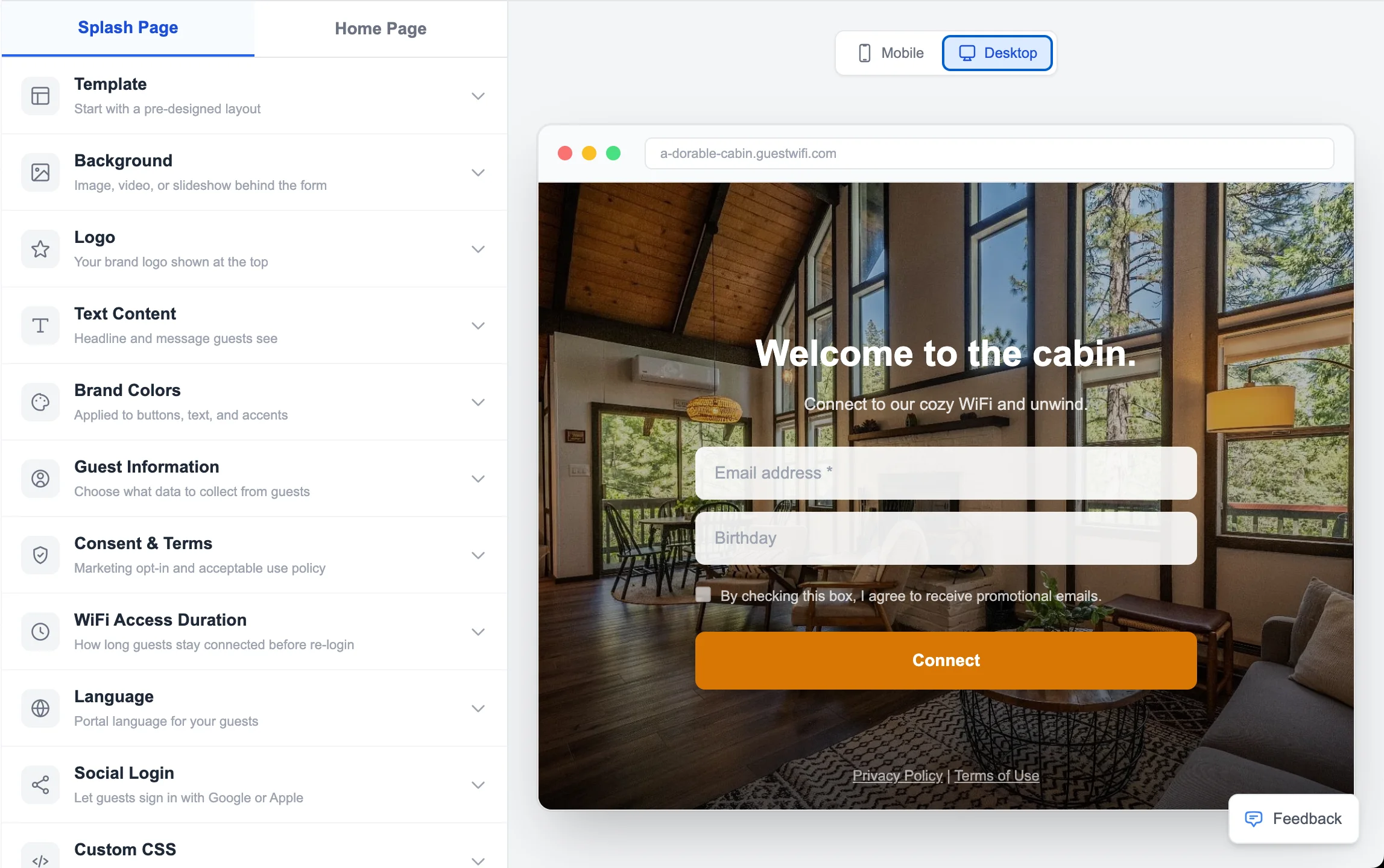
The editor
Pick a template, add your branding, decide what info to collect. Drag-and-drop, no code.
See it in action
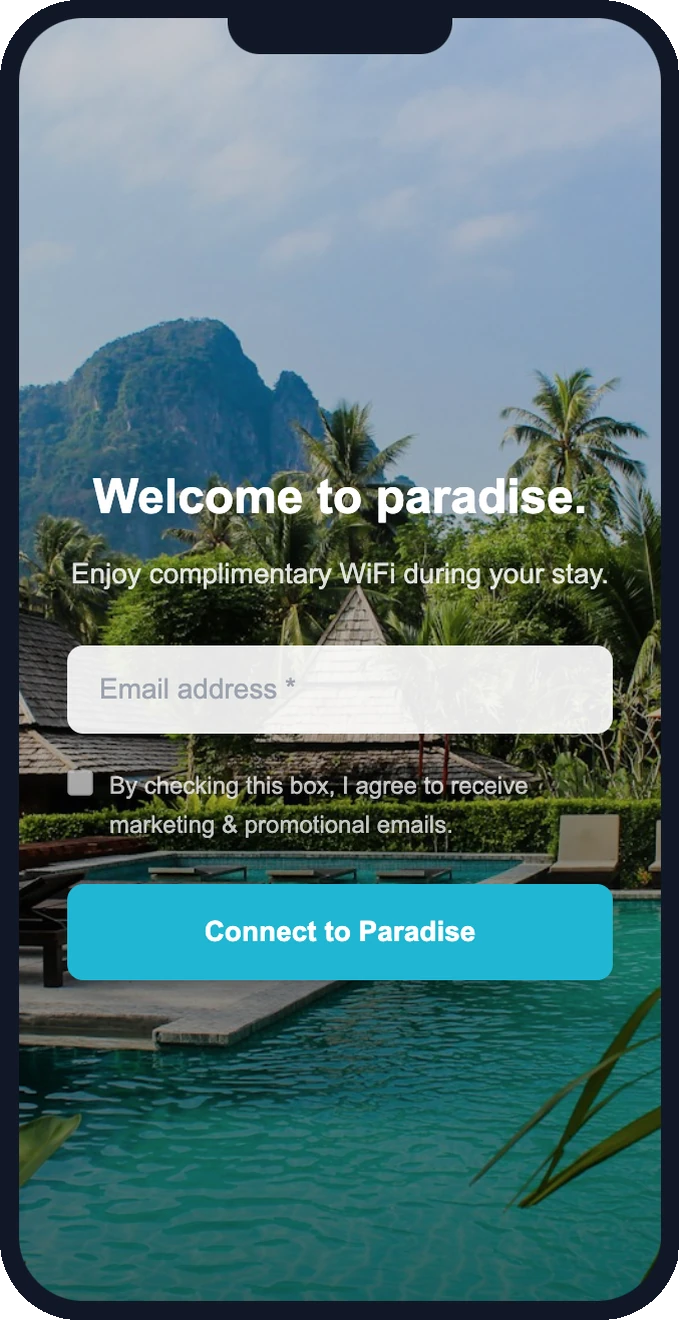
12 designer templates, fully branded with your photos, logo, and colors — and you decide exactly what info to collect. This is what your guests see the moment they connect.
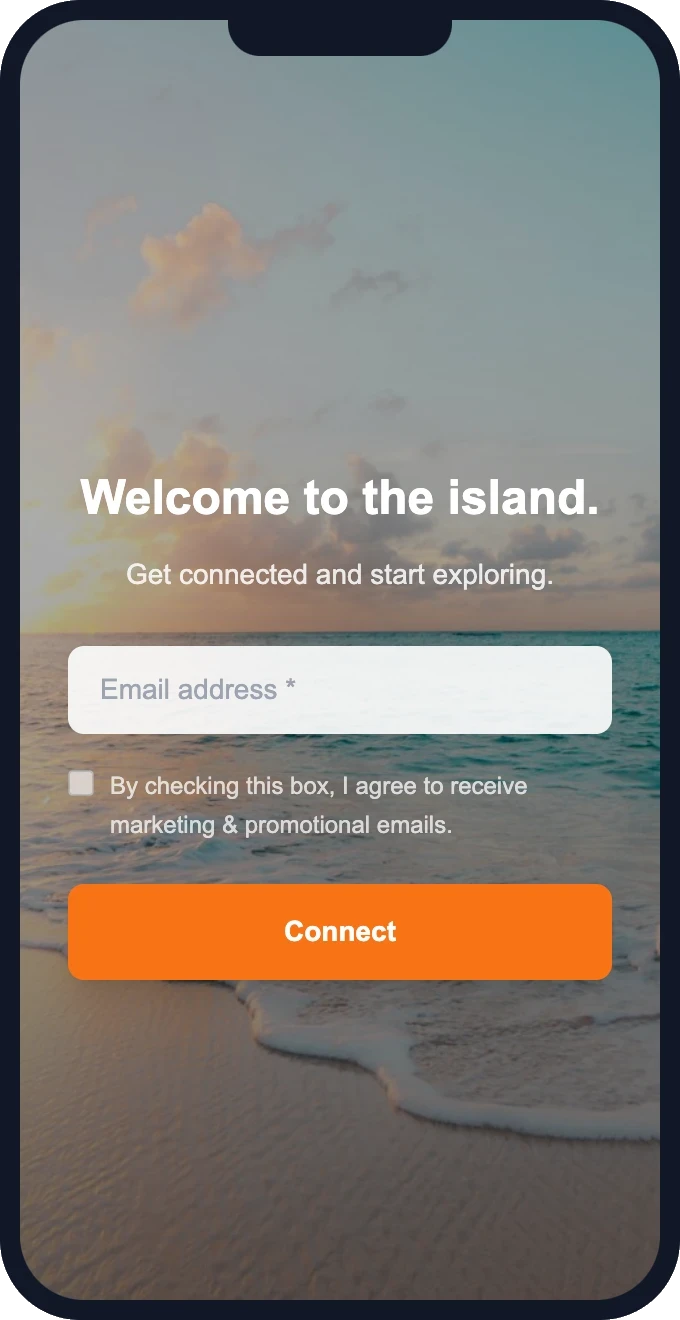
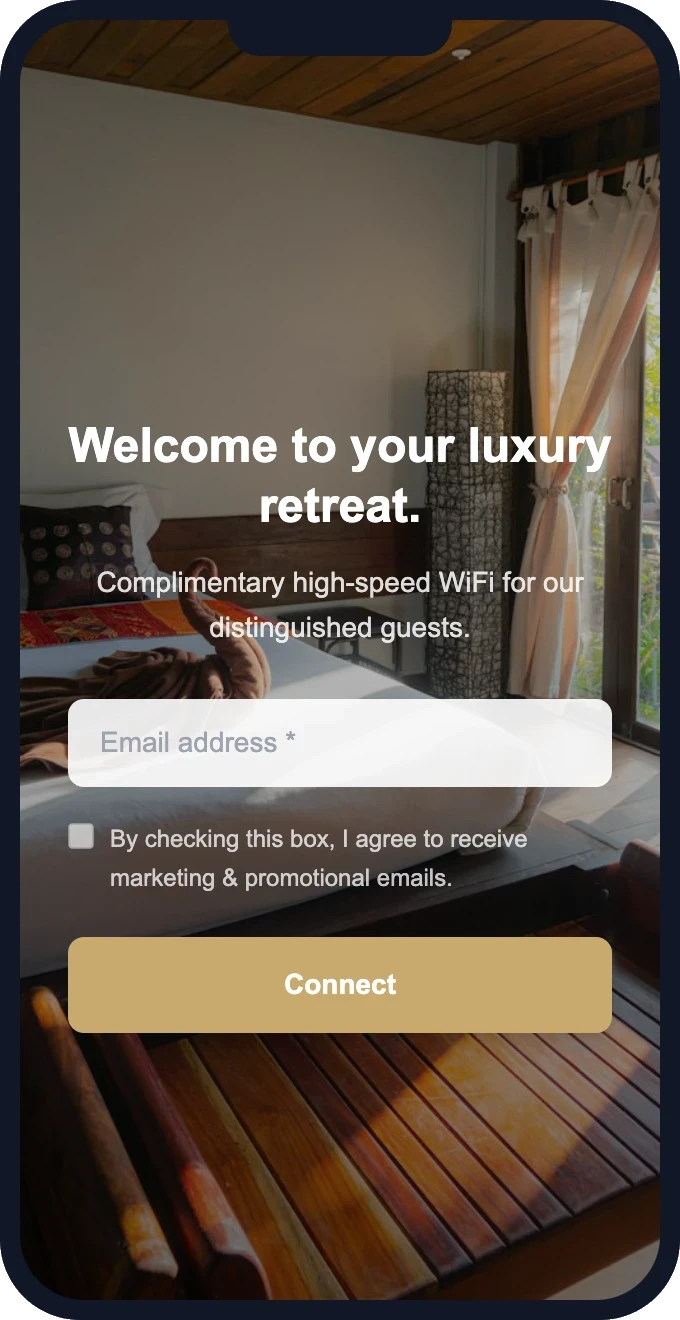
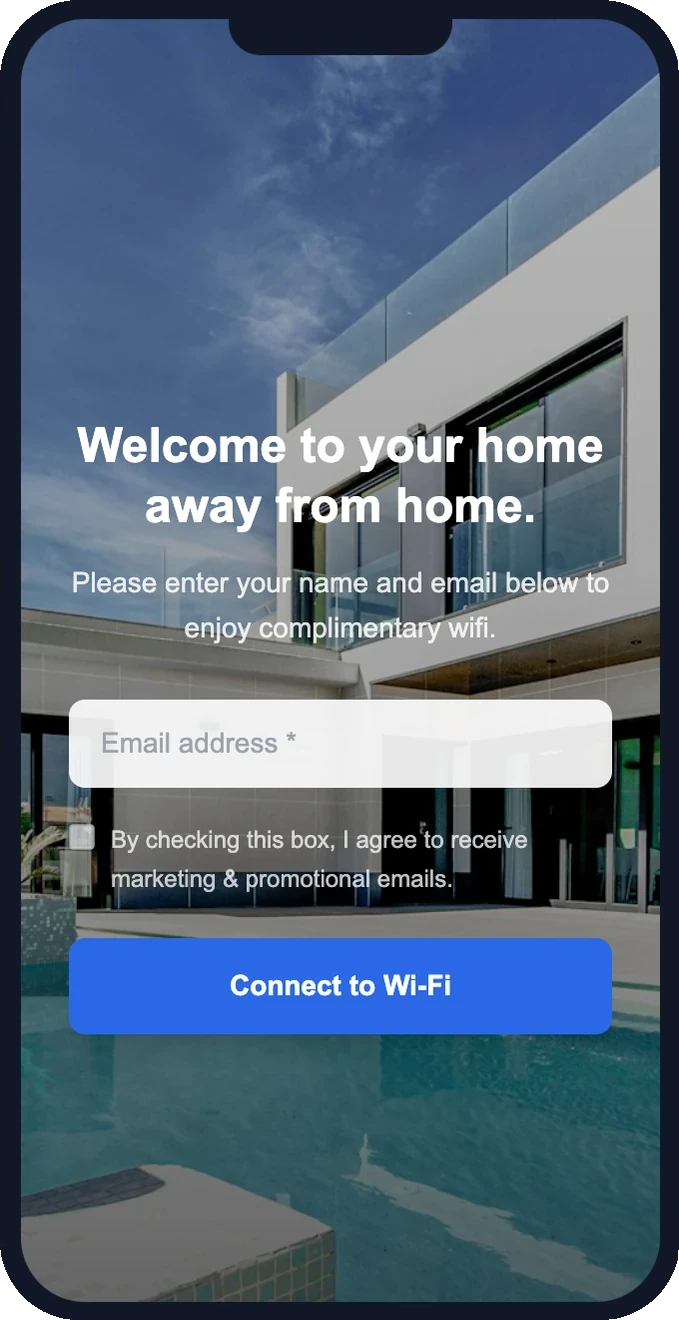
Free setup · Pick a template and customize in minutes
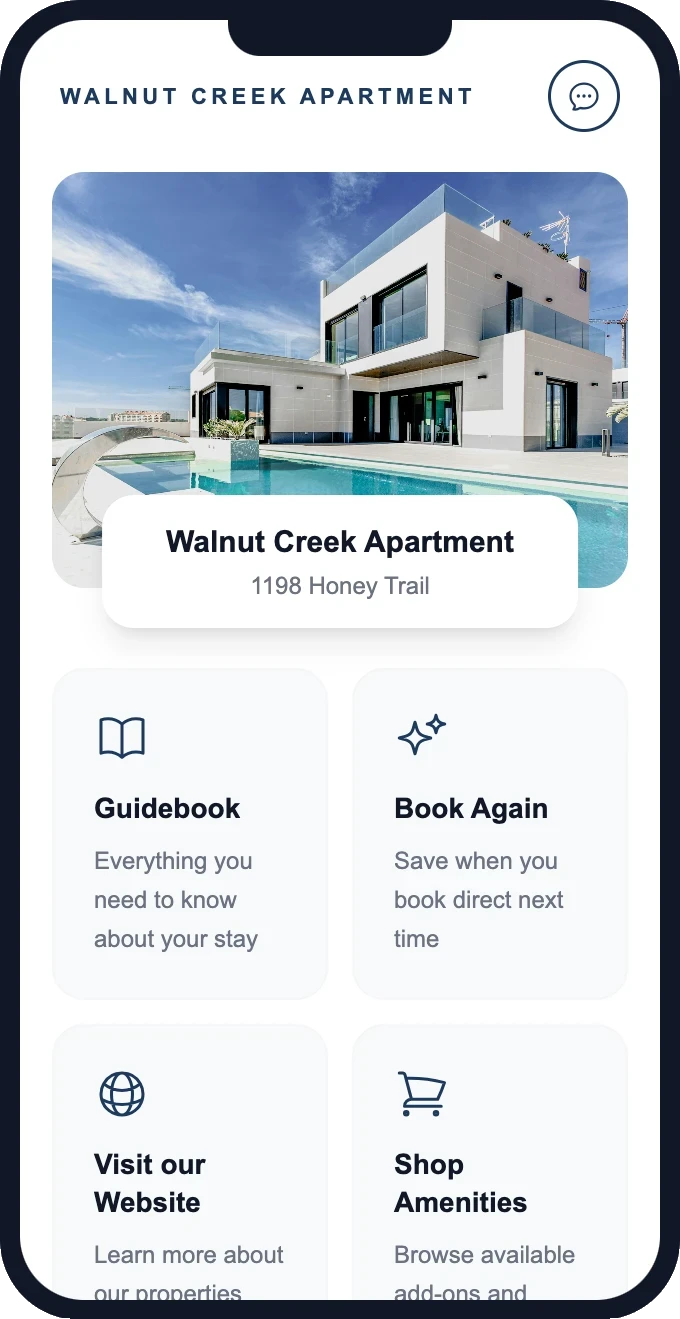
Guests don't just connect — they explore
After joining your WiFi, guests land on a branded homepage with links to your guidebook, your direct booking site, and a one-tap way to book again.
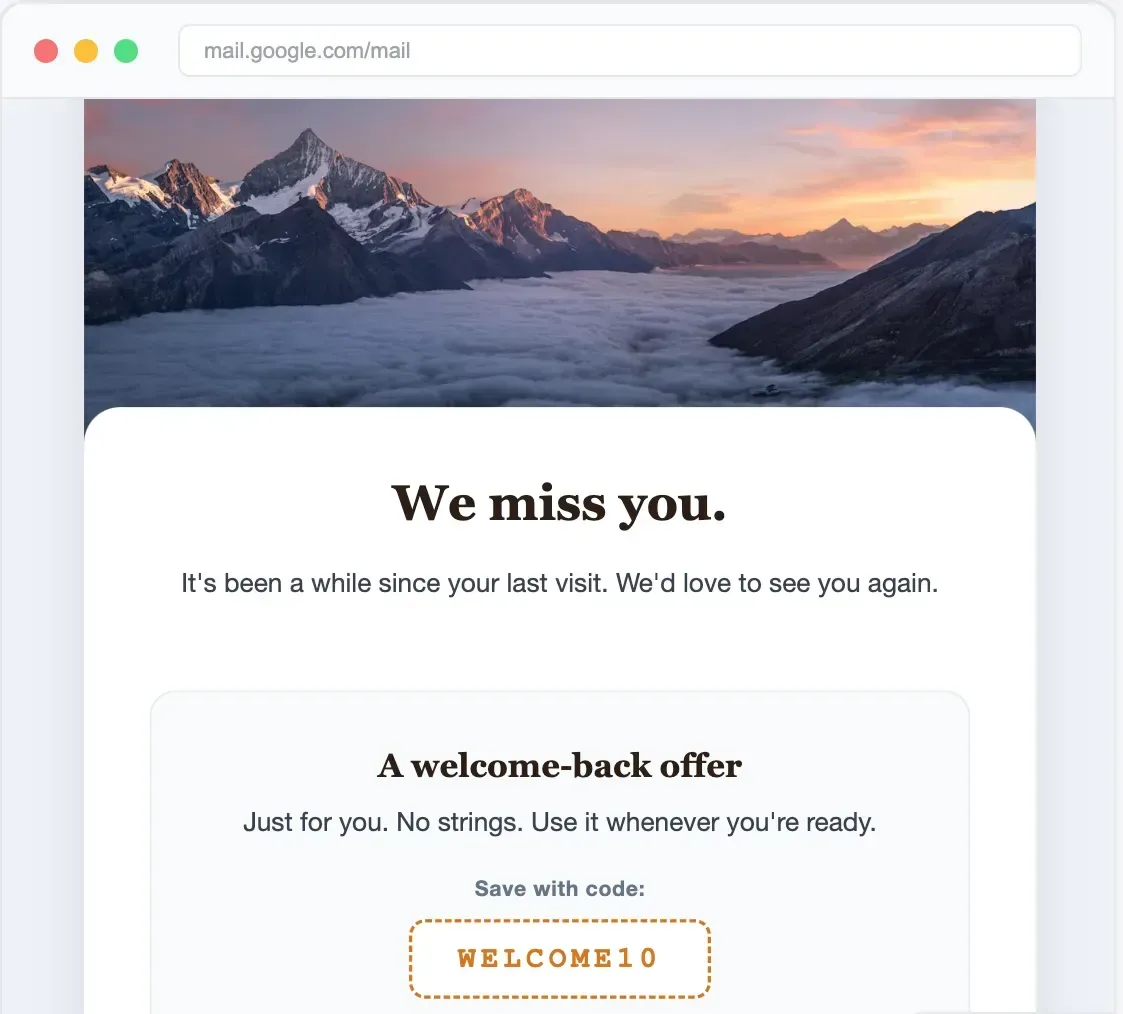
Send promotions that bring them back
Built-in email campaigns — automated welcome, re-visit nudges, seasonal offers, loyalty rewards. No Mailchimp needed.
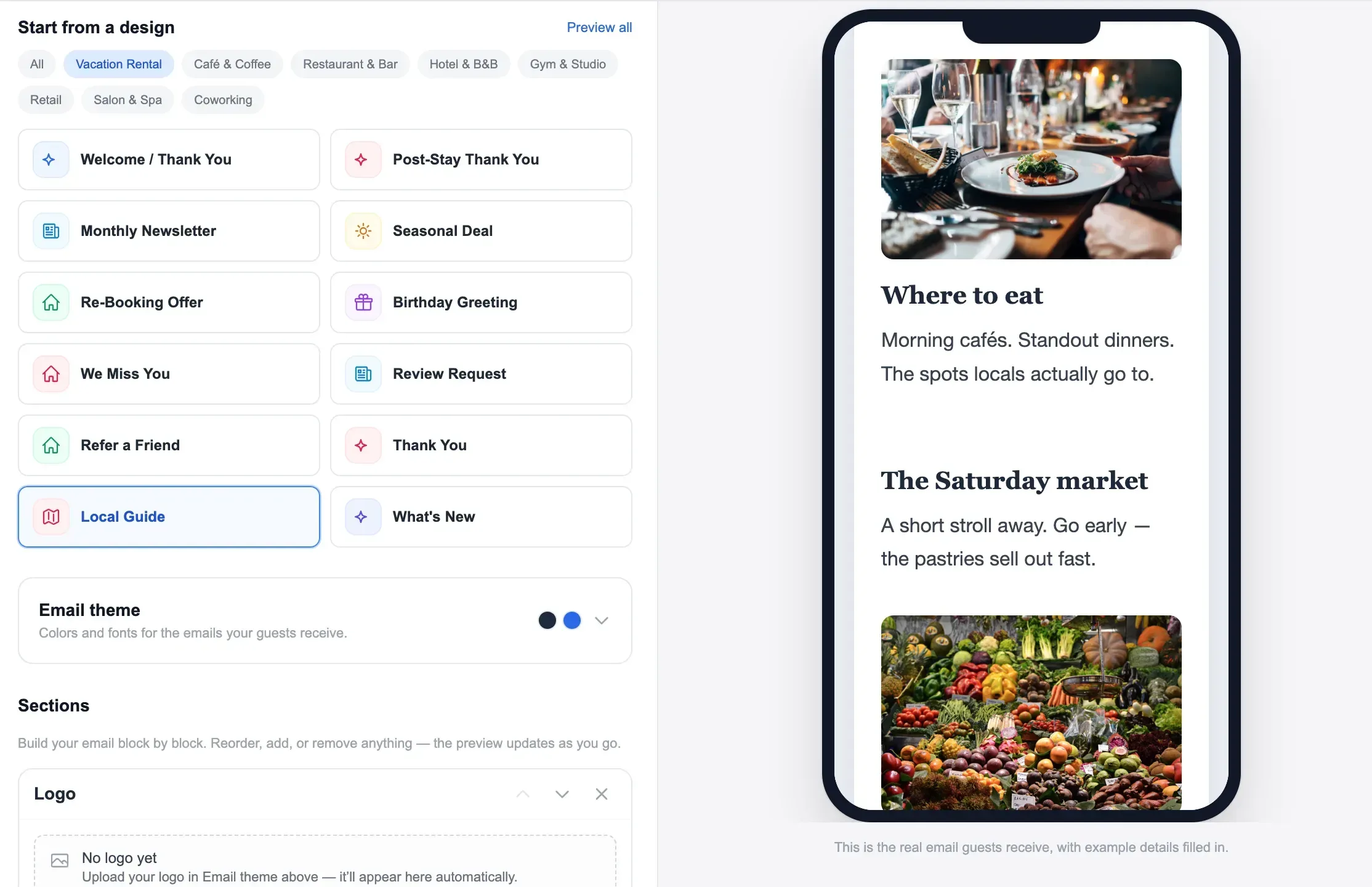
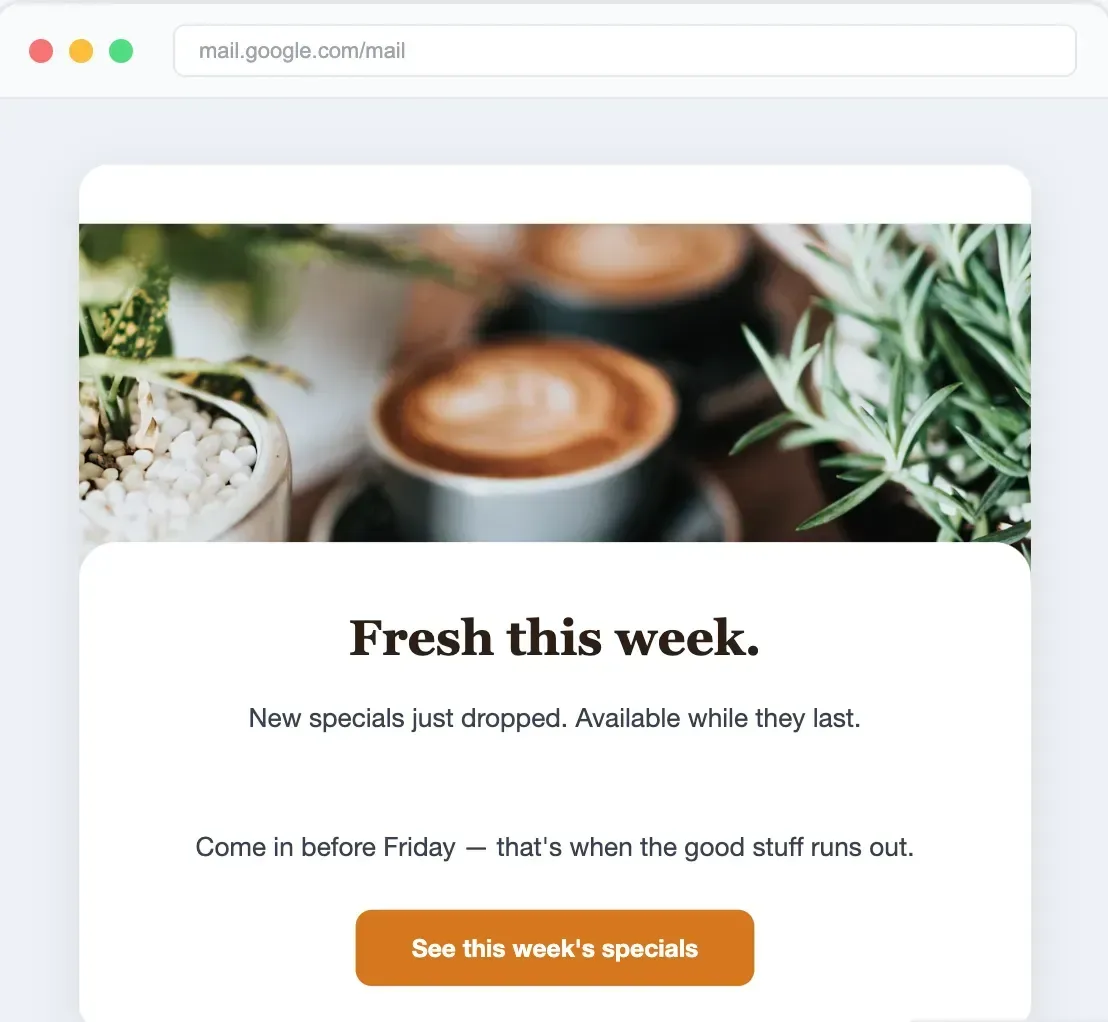
Emails your guests actually open
Pre-built templates for vacation rental hosts. Re-booking reminders, seasonal offers, thank-you notes.
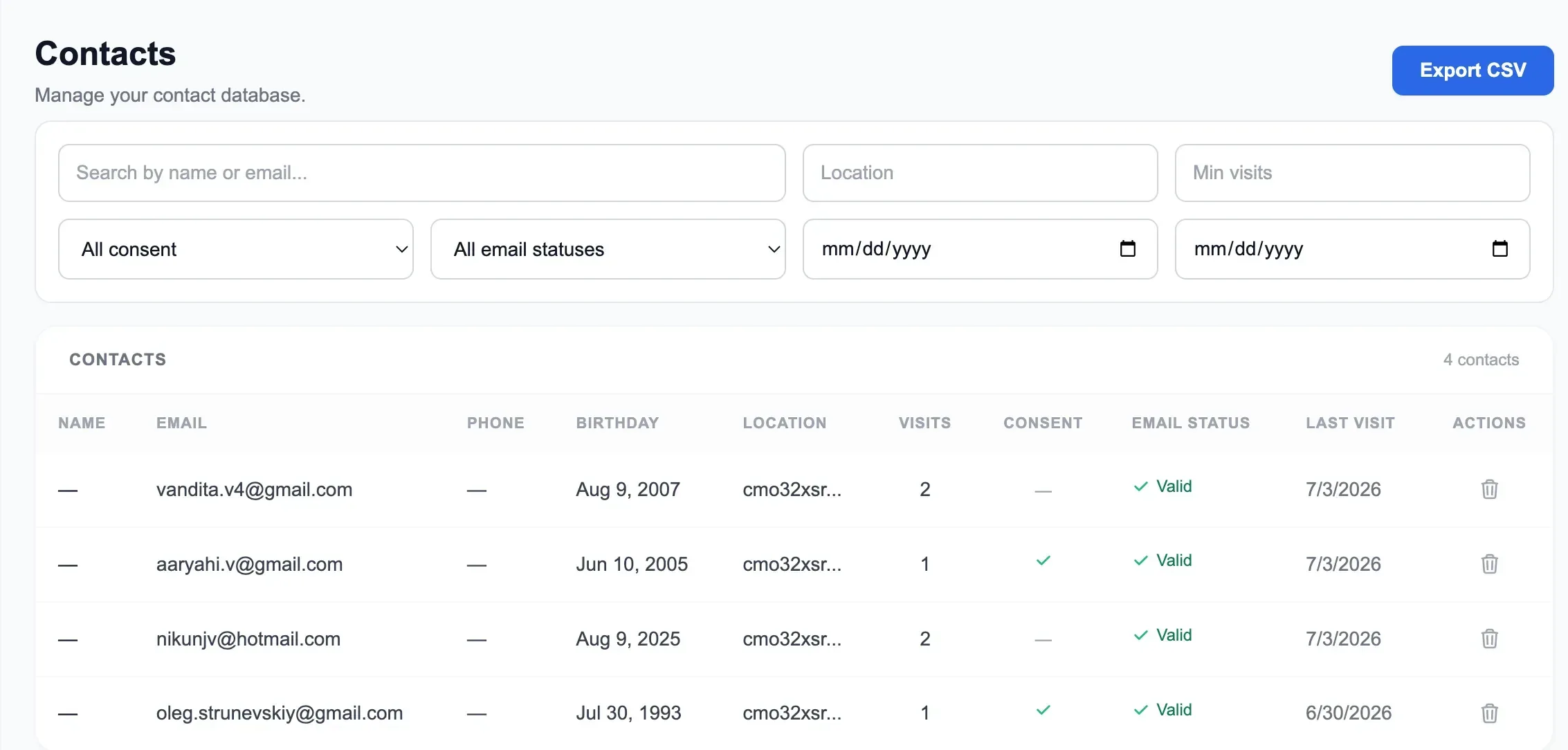
Your customer database — built automatically
Every WiFi connection adds a contact. Track visits, segment by property, export anytime.
Why this is 100% compliant
Stay on the right side of Airbnb's rules and privacy regulations
Explicit guest consent
Guests opt in via a marketing-consent checkbox. We store the consent text, timestamp, and IP for your records.
Your own marketing list
You're not diverting an in-progress Airbnb booking. You're building your own list for future direct stays — completely separate.
GDPR & CAN-SPAM aligned
Configurable consent language and one-click unsubscribe keep your email marketing compliant from day one.
Pricing
One plan. Everything included. No tiers, no upsells.
GuestWiFi
For vacation rental hosts & property managers
1 access point per property
No credit card required
Free setup included · Cancel anytime
Get the free Guest WiFi Playbook for hosts
The exact splash-page, email, and re-booking playbook hosts use to turn one-time Airbnb guests into repeat direct bookings.
- Splash page templates that convert 80%+ of guests
- The 4 automated emails that win re-bookings
- How to collect guest emails the compliant way
Things hosts often ask us
Straight answers about collecting guest contact details. If something isn't covered here, just ask.
Can I see my Airbnb guest's real email address?
Why does Airbnb hide guest email addresses?
What's the legal way to get my guest's email?
Is collecting guest emails over WiFi against Airbnb's rules?
What can I do with guest emails once I have them?
How many guest emails will I actually capture?
Do I need special hardware to capture emails over WiFi?
Turn one-time guests into repeat direct bookings
Most hosts never see their guests again. Every OTA stay should become your next direct booking — your website accepts commission-free reservations, your WiFi keeps your brand in front of guests long after checkout.
Guest books on Airbnb
You pay the OTA commission
Stays at your property
Their only visit — for now
Connects to your WiFi
Branded splash page
Email captured
Added to your guest CRM
Automated follow-up
Offers & seasonal discounts
Books directly next trip
Zero OTA commission
Direct Booking Website
Accept commission-free reservations from day one. Your own branded site with payments, calendar sync, and automated check-in — live in 15 minutes.
- Branded booking website with custom domain
- Stripe payments — zero booking fees
- Calendar sync with Airbnb & VRBO
- Pre-signed rental agreements & waivers
Guest WiFi Marketing
Stop letting guests disappear after checkout. Capture their email when they log on to WiFi, then automatically invite them back to book direct next time.
- Branded WiFi splash page & guest email capture
- Automated rebooking campaigns & seasonal offers
- Repeat-guest discounts to win the direct booking
- Guest CRM across all your properties — any router
One repeat booking often pays for your subscription many times over — there's no OTA commission the second time around. Bundle subscribers save 30% on Guest WiFi Marketing.
Start building your guest email list.
Capture real guest emails through your WiFi — and turn Airbnb guests into repeat direct bookings. $15/mo per access point.
$15/mo per access point · Free setup · Cancel anytime